AirTAC ASQ Single-Acting Push Ultra-Thin Cylinder
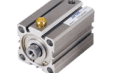
ASQ is the single-acting push version in the ACQ ultra-thin cylinder family. Send the code or...
Official reference
Based on manufacturer documentation
Model support
For model confirmation
Parts lists
Code, photo, or BOM
Availability / lead time
By model and quantity
Sourcing route & inquiry details
ASQ is the single-acting push version in the ACQ ultra-thin cylinder family. Send the code or label with working direction, bore and stroke for an RFQ. Know the model? Request a quote directly. An incomplete label or photo is enough to start.
Know your model? Send it with the quantity for a quote. Not sure? Start with a photo, label or description. We help identify the model and clarify availability and lead time. Mixed parts lists are welcome too.
Match an ACQ model code
Enter the code from the label. Spaces and ×/x formats work. TACQ is included.
Part of the ACQ Series family.
View family overview →Installation Drawings & Technical Specifications
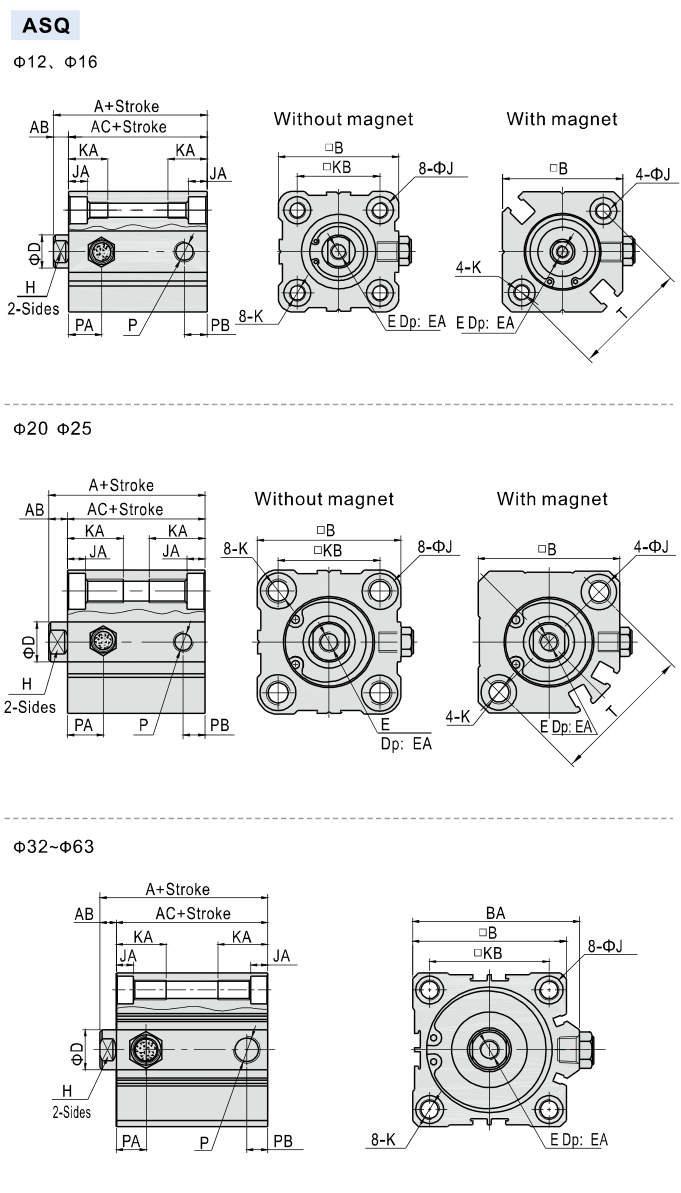
ASQ installation dimensions
Helpful for Model Matching:
- Full ASQ code or cylinder label
- Required motion, bore, and stroke
- Mounting, port, rod-end, and installed clearance
- Magnet option and sensor requirement where applicable
- Use the ASQ drawing and bore/stroke section
- Compare mounting, ports and installed clearance where fit matters
Catalogue Technical Specifications
| Family | ACQ ultra-thin cylinder family |
| Configuration | Single acting, push type / Einfachwirkend, Druckausführung |
| Published bores | 12, 16, 20, 25, 32, 40, 50, 63 mm |
| Published design | JIS compact cylinder (catalogue statement) |
| Operating pressure | 0.2–1.0 MPa |
| Proof pressure | 1.5 MPa |
| Temperature | −20 to +70 °C |
| Speed | 50–500 mm/s |
| Medium / cushion | 40 μm filtered air; bumper |
| Ports | Ø12–25: M5×0.8; Ø32/40: 1/8; Ø50/63: 1/4; Ø80–160: 3/8 (where bore is offered). PT/G/NPT. |
| Published strokes | Ø12: 5/10/15/20; Ø16: 5/10/15/20/25; Ø20–63: 5/10/15/20/25/30 mm |
| Stroke tolerance | +1.0/0 mm |
Ordering Codes, Fit Verification & Specifications
Ordering code matching
Match each code segment
Code format
ASQ [bore] × [stroke] [S] [B] [FA/FB/CB/LB] [G/T]Blank thread: PT; G: G; T: NPT. Options follow the member-specific guide.ASQ 20 × 30 S B [PT]| ①Model | ②Bore (mm) | ③Stroke | ④Options | ⑤Mounting | ⑥Thread |
|---|---|---|---|---|---|
| ASQ: Single acting, push type | 12, 16, 20, 25, 32, 40, 50, 63 mm | Ø12: 5/10/15/20; Ø16: 5/10/15/20/25; Ø20–63: 5/10/15/20/25/30 mm | S: magnetic option; B: male rod-end option where applicable. Blank positions follow the published code guide. | Blank / FA / FB / CB / LB; big bores: no accessories listed. | Blank: PT; G: G; T: NPT. [PT/G/NPT] is the readable display. |
Quick check
What distinguishes ASQ in the ACQ family?
ASQ is used for single-acting push motion. Confirm the return behavior before comparing it with ACQ or ATQ.
ASQ
Include this series in a project RFQ
ASQ Add other models, quantities, photos, drawings, or a BOM. One request can cover several product groups.
Products to use together
Build your pneumatic circuit with complementary components. Confirm dimensions and operating conditions before selecting a combination.
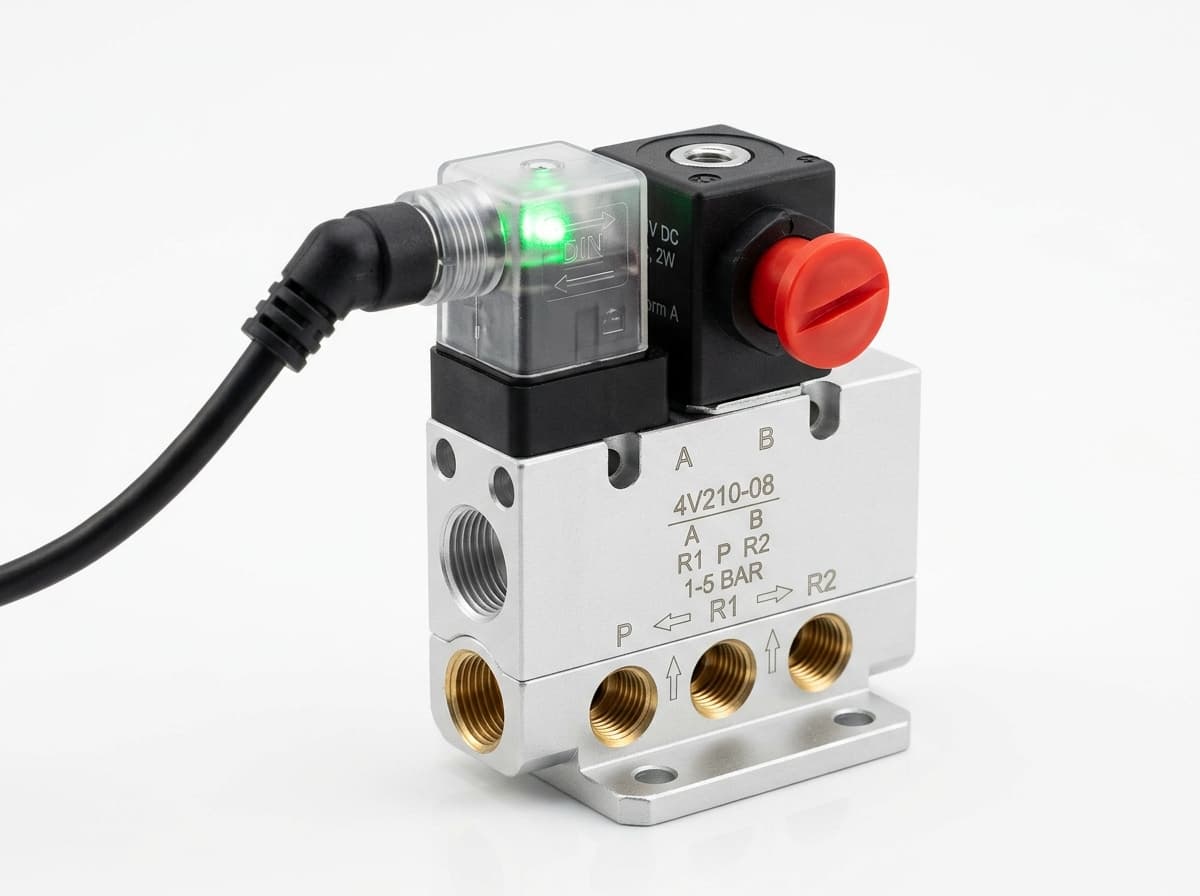
Product-group reference image
Directional control valves
Switch the pneumatic circuit. Select the valve function, flow capacity, port size and control signal for the application.
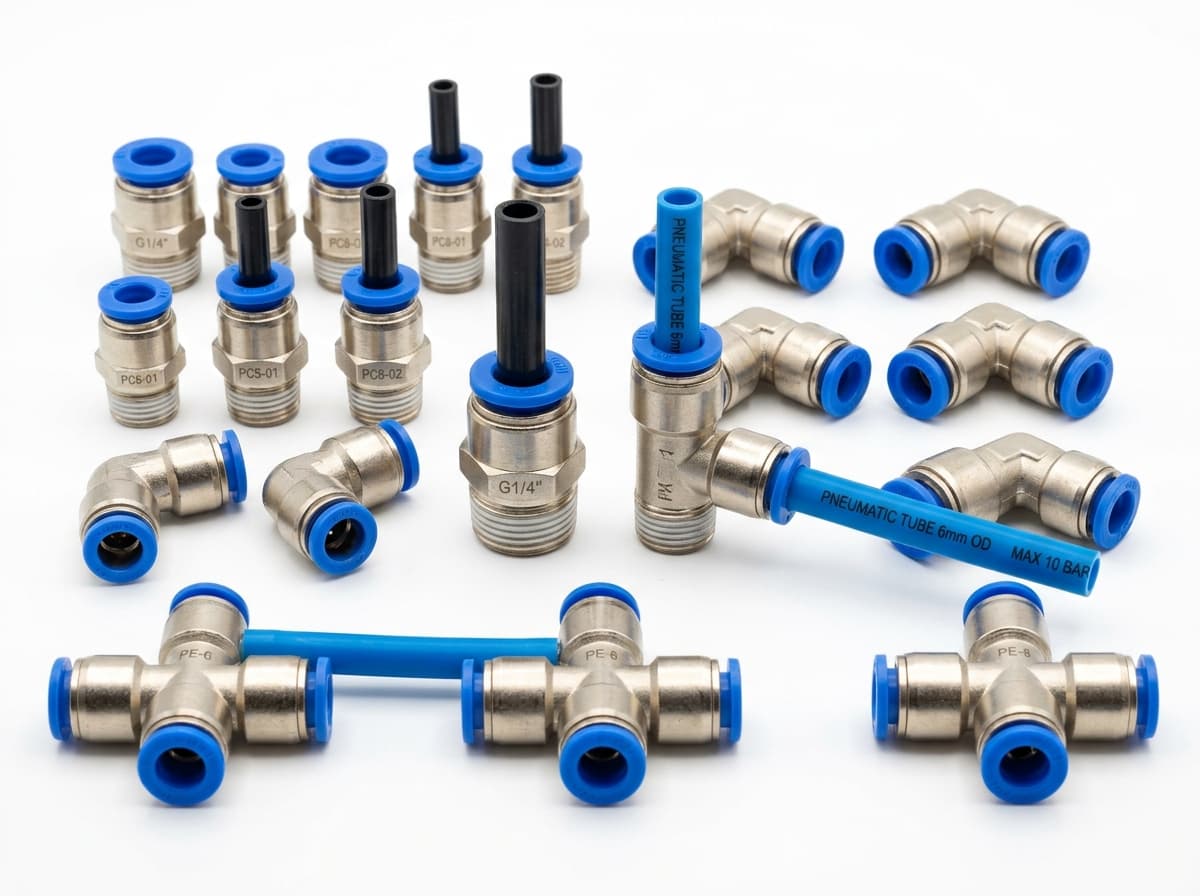
Product-group reference image
PneuPart SL speed controllers
Control actuator air flow. Confirm thread, tube size, flow direction and required flow rate.
Product-group reference image
PneuPart tube fittings
Connect tubing to a valve or actuator. Match tube outside diameter, port thread and seal type.
Product-group reference image
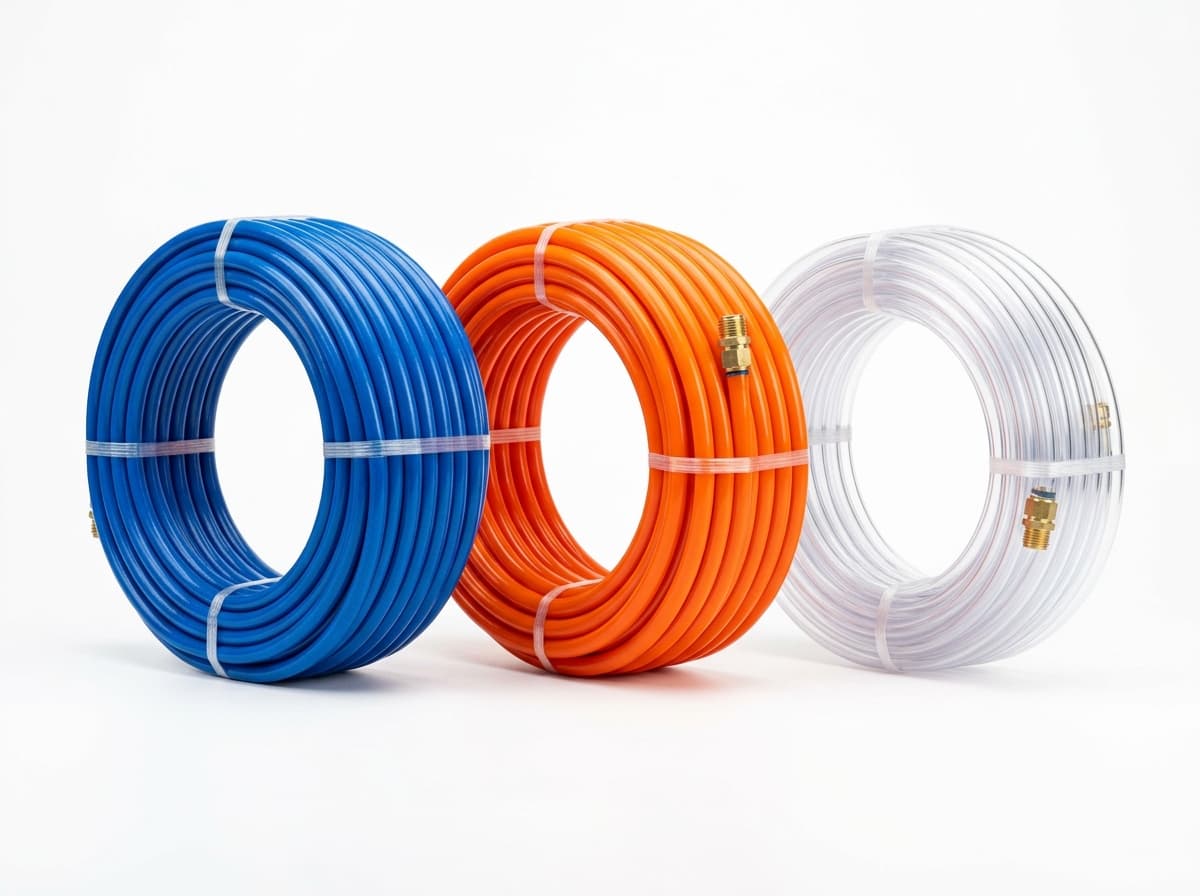
PneuPart pneumatic tubing
Run air lines between fittings and components. Confirm outside diameter, bend radius, pressure and temperature.
Planning a Complete Circuit or Multi-Item BOM?
Send your parts list, connection sizes and operating conditions for a matching check and combined quotation.